
How To Enroll In Online Course – Mantra e Learning
Enroll in just 4 simple steps and get instant access to your course.
Enroll in 4 Easy Steps:
1️⃣ Login / Register
2️⃣ Add Course to Cart
3️⃣ Complete Payment
4️⃣ Start Learning Instantly
👉 [ Go to Course Page ]
Step-by-Step Enrollment Process
Step 1 – Visit Course Page
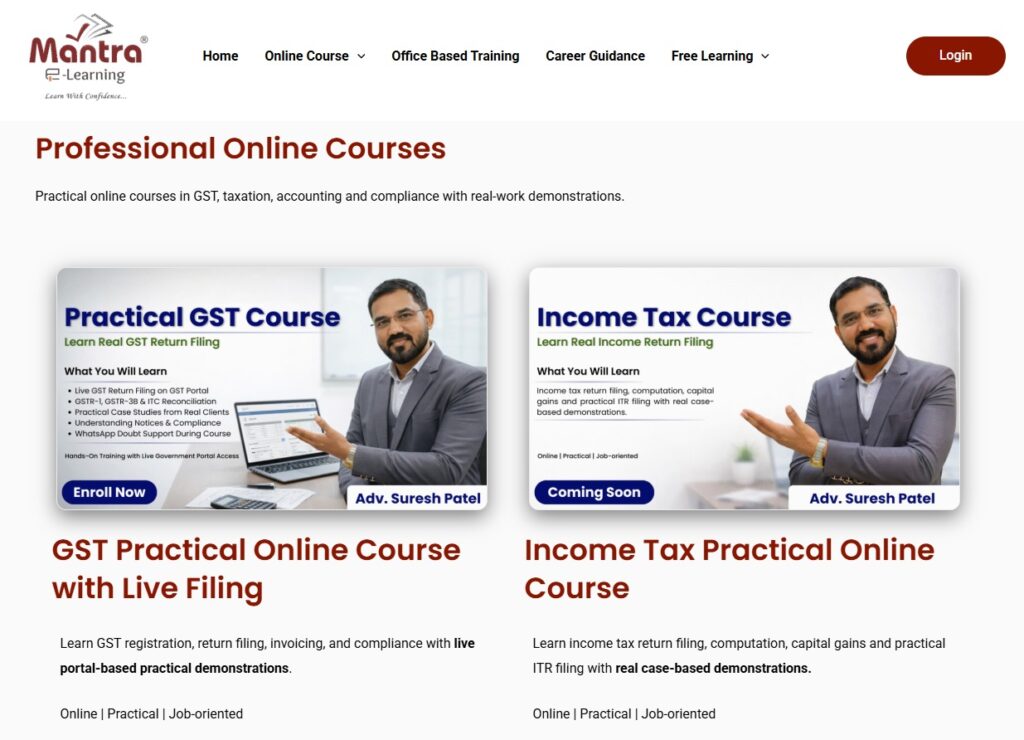
Go to our Courses section and select your desired course
- GST Practical Course
- Income Tax Practical Course
- TDS-TCS Practical Course
- PF-ESIC Course
- Tally Prime Full Course
- Complete Accounting & Taxation Course
Step 2 – Create Account / Login
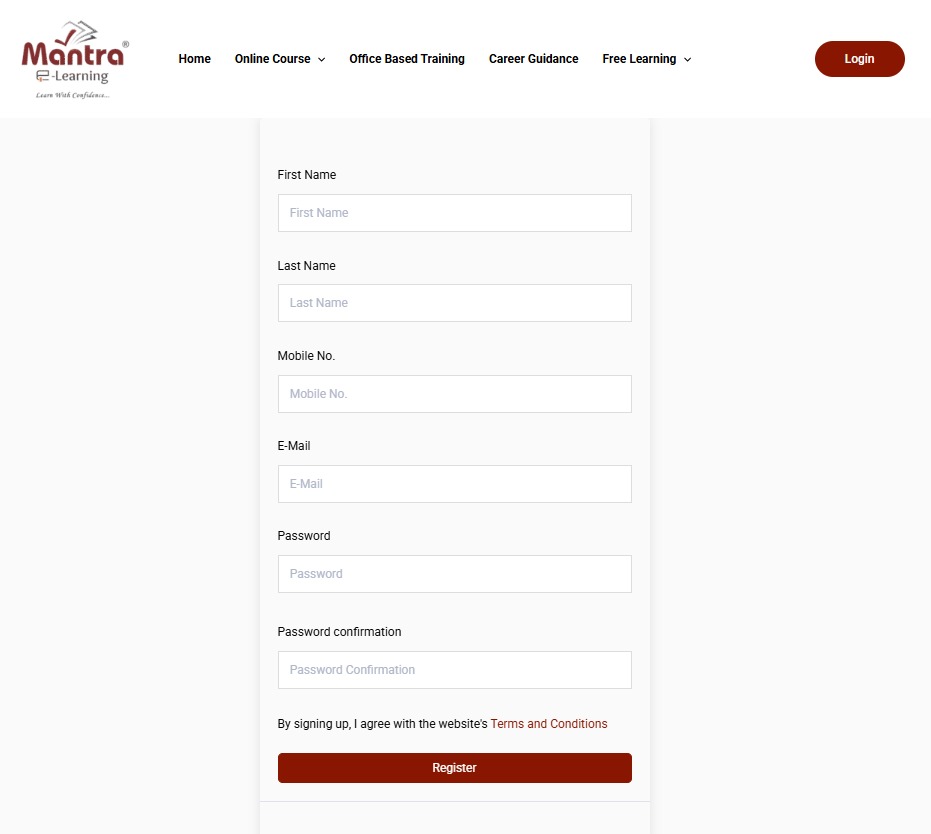
If you are a new student, please create your account by clicking on “Register Now.”

New Students: (On Registration Page)
Enter your Full Name
Enter Mobile Number & Email ID
Create Password
Click Register
Please use your own mobile number and email ID while registering.
The same details will be your username for login.
All OTPs for password reset and important updates will be sent to this mobile number and email.
Once registered, these details cannot be changed.
Existing students can login directly.

Click on Login Button
Enter your Mobile Number / Email
Enter Password
Click Login
Forgot Password?
Click on “Lost your password?”, enter your registered mobile number or email ID, and click Reset Password. You will receive a password reset link on your registered email. Click the link to create a new password and login again.
If you do not see the email, please check your spam or junk folder.
Please note that a password reset is possible only through your registered details.
Step-3 Add Your Course to Cart
Click “Add to Cart”
Review course details

Fill your biling details
Enter Promo Code (If any offer running)
Click Continue to Payment
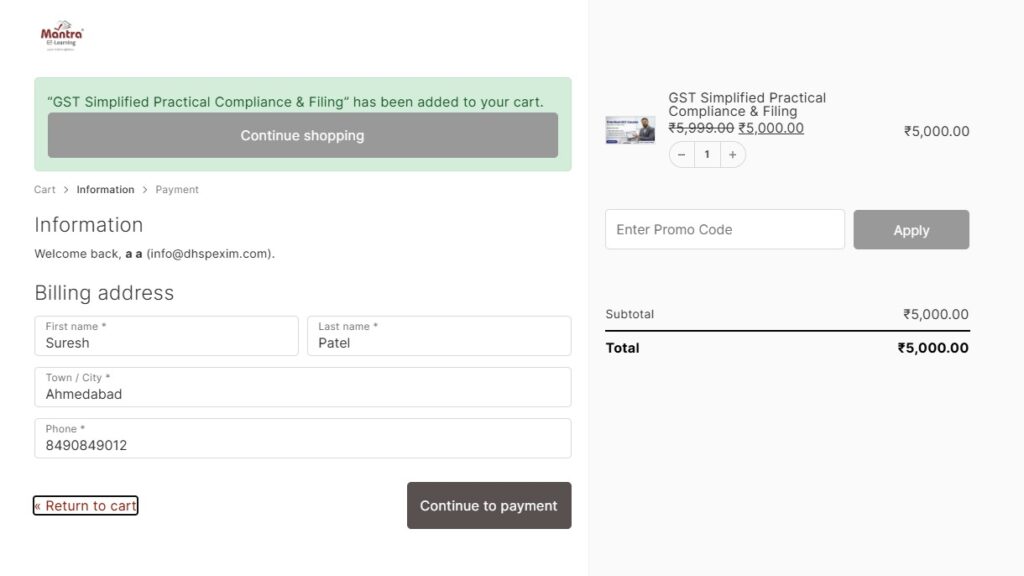
Must read terms and conditions and clicking it then click on complete order to make payment

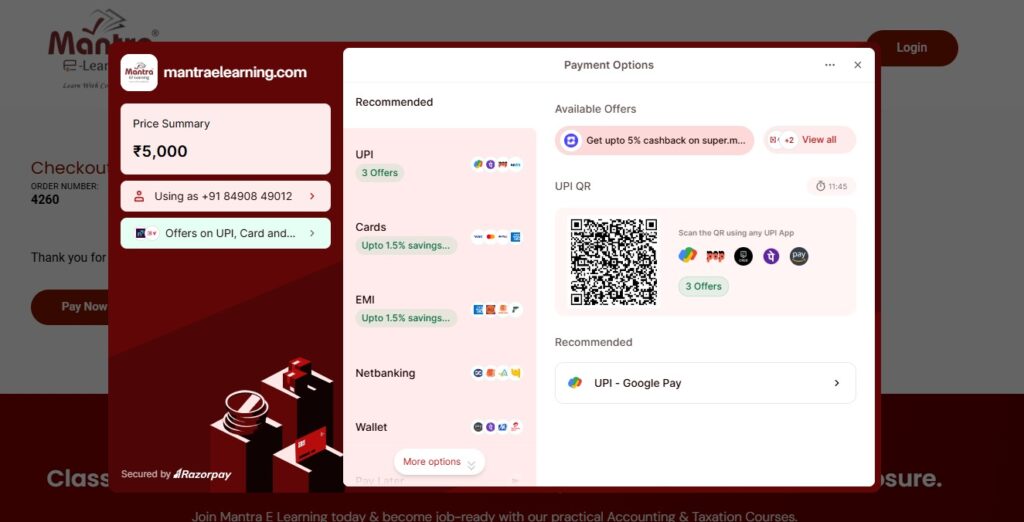
Select UPI / Card / Net Banking and make payment
✔ Secure Payment via Razorpay
✔ UPI / Card / Net Banking Available
✔ Instant Course Activation
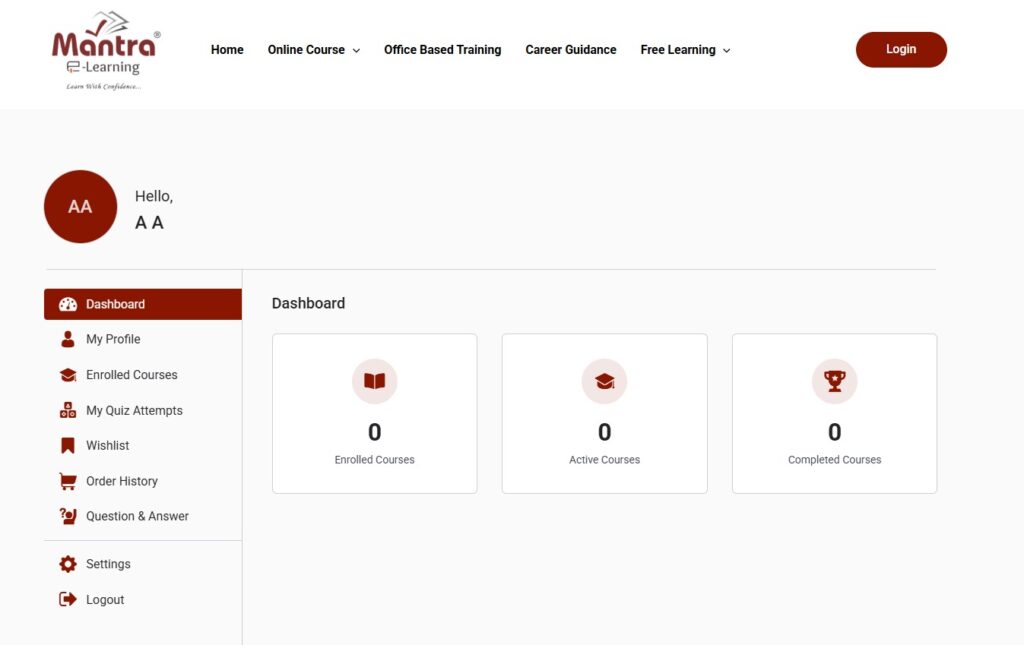
Step 4 – Start Learning
After successful payment, your course will be activated instantly.
Go to My Account → Enrolled Courses → Start Learning.
🚀 Start Your Learning Journey Today
Frequently Asked Questions (FAQ)
Q1. When will I get access to the course?
You will get instant access to the course immediately after successful payment. You can go to My Account → Enrolled Courses and start learning.
Q2. What should I do if the payment fails?
If the payment fails but the amount is deducted, it is usually refunded automatically within 24–48 hours. If you face any issue, please contact our support team.
Q3. Can I access the course on mobile?
Yes, you can access the course on mobile, laptop, or desktop. You only need an internet connection and your login details.
Q4. What is the validity of the course access?
The course access is valid for 1 year from the date of enrollment. Yes, important updates related to GST, Income Tax, or compliance changes will be provided as part of our lifetime update support (as applicable to the course).
Q5. Is there any refund policy?
Please read the refund policy mentioned on the course page before making payment. If you have questions, feel free to contact us before enrolling.
Q6. Will I receive a certificate after completion?
Yes, a certificate will be provided after you complete the course and successfully pass the MCQ-based final exam.
Q7. How can I contact support?
You can contact us through WhatsApp or email for any assistance related to enrollment or course access. Support Timing: Monday to Saturday 10:00 AM to 7:00 PM and Sunday 10:00 AM to 01:00 PM
Q8. Is this course practical or theory-based?
This course is practical and includes real portal demonstrations, real case examples, and step-by-step compliance training.
Q9. Will I get updates if tax laws change?
Yes, important updates related to GST, Income Tax, or compliance changes will be provided as part of our lifetime update support (as applicable to the course).